

AI automation can improve how your organization captures information, organizes project work, and keeps teams aligned. But the fastest implementation is not always the most secure one.
For organizations using Microsoft 365 and SharePoint to manage sensitive client information, the key question is not simply, “Can we automate this?” It is:
What is the smallest amount of access this AI tool actually needs, and how can the workflow be designed around that limit?
This anonymous case study shows how Elite IT helped a professional services firm automate the movement of AI-generated meeting notes without giving the AI tool broad, standing access to the firm’s Microsoft 365 environment.
The Business Challenge: Useful AI With Excessive Access
The client managed multiple ongoing projects and had adopted an AI meeting-notes tool to capture and organize discussions across its team.
The next step seemed straightforward: move completed meeting notes from the note-taking application into the correct project folder in Microsoft 365. The goal was to eliminate the need for employees to copy and organize files manually after each meeting.
The most direct approach was to connect the AI assistant directly to Microsoft 365 and allow it to place files into the appropriate SharePoint location.
It worked immediately in testing.
However, the connection required broad, standing access across the user’s Microsoft 365 environment. That potentially included:
- Files the user could access
- Calendar information
- Microsoft Teams messages
- Meeting recordings
- Meeting transcripts
The workflow did not need access to all of those resources. It only needed to write one meeting note into one project folder. But at that level of Microsoft’s platform, a narrowly restricted read/write permission for only that folder was not available.
For a professional services firm handling sensitive client project data, the convenience of the original design did not justify the expanded access. The automation worked, but the architecture created unnecessary exposure.
The Security Principle: Give AI Only the Access It Needs
Elite IT re-architected the workflow around a simple security principle:
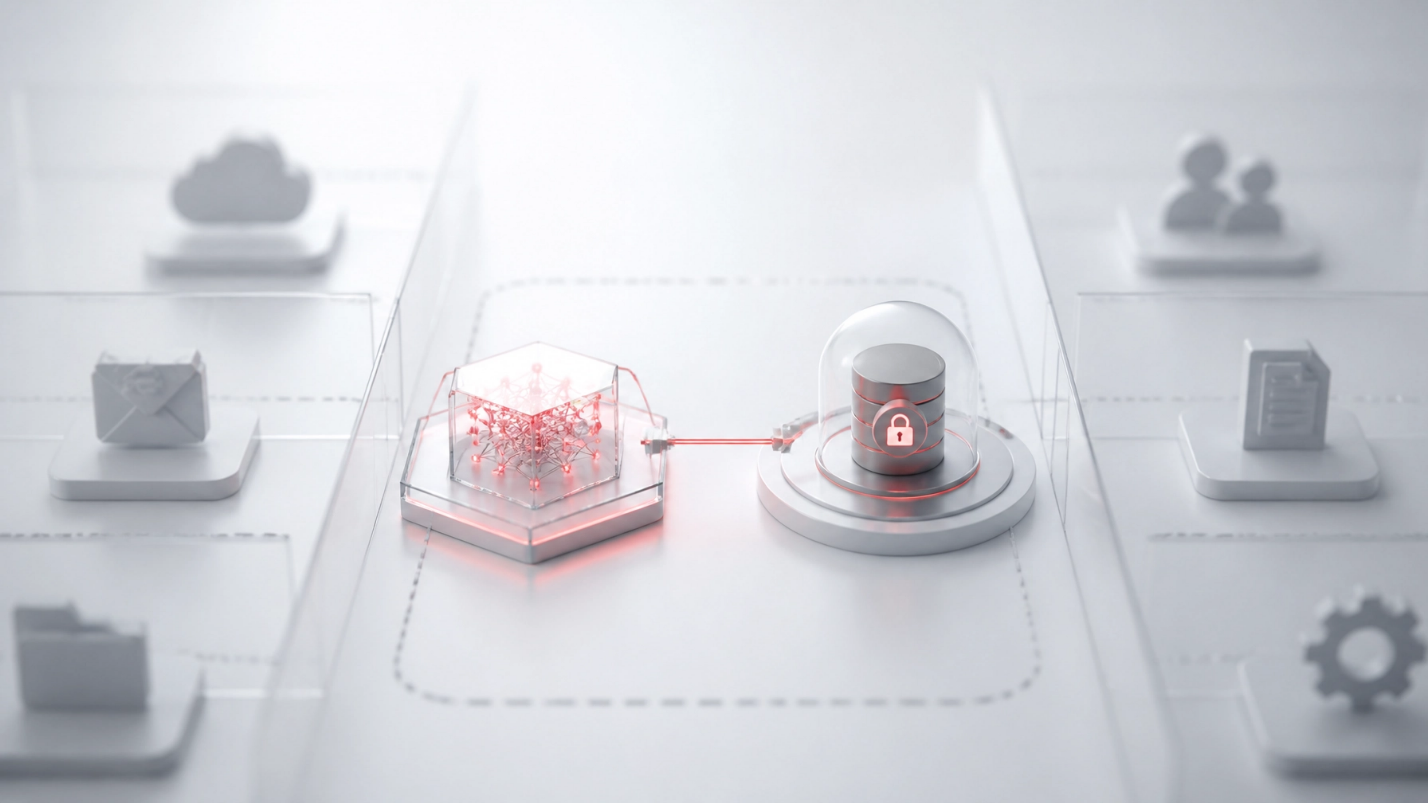
An AI tool should never be able to reach more than the specific information and location required for its task.
This is the practical meaning of least privilege. Instead of granting a tool broad access and trusting that it will use the access responsibly, you limit the tool’s permissions from the beginning.
Least privilege is especially important when AI tools are involved because AI assistants can process, summarize, retrieve, and act on information quickly. If the connection is broader than necessary, the potential impact of a mistake, misconfiguration, or compromised credential is also broader than necessary.
The objective was not to reject AI automation. It was to separate the useful AI function from the sensitive downstream systems.
The Secure AI Automation Design
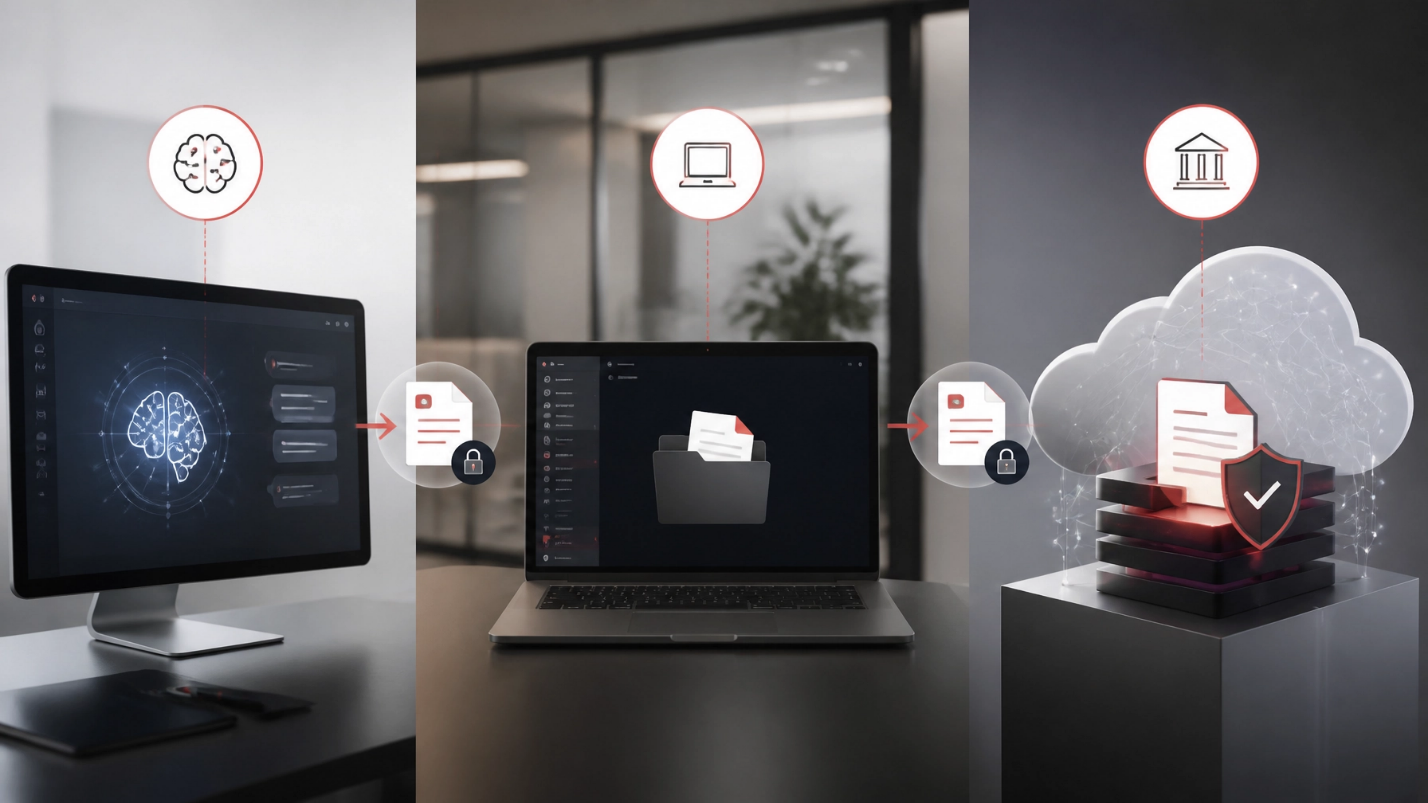
The redesigned workflow used three distinct stages.
1. The AI Tool Retrieves Meeting Notes
The AI assistant connects directly to the meeting-notes application and retrieves the relevant meeting content.
That connection is naturally limited by the source system. The assistant can work with meeting notes, but it does not need access to the client’s email, calendar, Teams messages, or SharePoint environment to complete this part of the process.
2. The AI Tool Writes to One Local Folder
After preparing the note, the AI assistant saves the finished file to one narrowly scoped local folder on the user’s computer.
This is a plain file-write operation. It does not require the AI tool to maintain cloud credentials or connect directly to Microsoft 365.
The local folder acts as a controlled handoff point between the AI component and the existing cloud workflow.
3. Existing Cloud Automation Routes the File
Existing cloud automation, which was already built and trusted, monitors the designated folder. It picks up the file, identifies the related client project, and routes the note into the correct SharePoint location.
This part of the process did not need to be redesigned. The previously proven SharePoint automation continued handling the downstream file-management task.
From the employee’s perspective, the experience remained simple:
- Open the AI meeting-notes tool.
- Ask for the notes.
- Receive the completed file in the expected workflow.
The difference was architectural. The AI component no longer had a path into the broader Microsoft 365 environment.
How This Design Applies Core AI Governance Principles
This case illustrates several principles that organizations should consider when developing secure AI solutions.
Least Privilege
The AI assistant was limited to the meeting-notes application and one local folder. It did not receive broad access to Microsoft 365 simply because that was the easiest connection to configure.
Narrow Scope
The workflow defined exactly what the AI tool was responsible for: retrieve meeting notes and save the output. It was not responsible for searching SharePoint, reading email, reviewing Teams conversations, or deciding where it should have access across the tenant.
Separation of Duties
The workflow separated content creation from cloud file management.
The AI tool handled the meeting-note task. Existing trusted automation handled project identification and SharePoint routing. No single component needed to control the entire process.
This reduces the amount of authority any one tool possesses and makes the overall workflow easier to understand and govern.
Human Oversight
Automation should not remove accountability from the people responsible for client information and business operations.
Depending on the sensitivity of the information, organizations may add a human review step before a note is published to an official SharePoint project location. That review can confirm that the note is accurate, belongs to the correct project, and does not contain information that should not be retained or shared.
The important point is that human oversight should be designed intentionally. It should not be assumed that a tool’s ability to automate a process means the process no longer requires judgment.
Microsoft’s guidance on data security and compliance protections for generative AI apps also emphasizes the importance of information protection, data classification, auditability, and lifecycle controls when organizations adopt AI.
The Outcome: Automation Without Unnecessary Exposure
The redesigned workflow delivered the same business result while substantially reducing the AI tool’s access.
The client achieved:
- The same meeting-notes automation with a smaller attack surface
- No standing cloud credentials for the AI tool
- No direct AI access to email, calendar, Teams, or the broader file environment
- No additional complexity for the end user
- A repeatable architecture for future AI-assisted workflows
The AI tool moved from a design where it could potentially reach much of the user’s account to one where it could only work with meeting notes and one specifically scoped local folder.
That is the practical value of secure AI automation: not eliminating useful technology, but designing the workflow so that each component has only the authority it needs.
What Professional Services Firms Can Learn
Organizations with 10-250 employees often need to adopt new technology without creating an unnecessarily complex security program. This use case offers a practical starting point for professional services firms, associations, nonprofits, private schools, healthcare practices, legal organizations, and other client-focused businesses.
Before connecting an AI tool to Microsoft 365, ask:
- What information does the tool actually need?
- Does it need access to an entire account or tenant?
- Can the AI task be separated from the storage or routing task?
- Can an existing trusted workflow handle the sensitive downstream action?
- Where should human review occur?
- What should happen if the tool produces an incorrect or incomplete result?
- Can access be removed without disrupting the rest of the workflow?
These questions support a more deliberate approach to AI governance. They also help your organization distinguish between a quick proof of concept and a production-ready secure AI solution.
Microsoft 365 and SharePoint can support strong collaboration and governance, but they require thoughtful configuration. Elite IT’s Microsoft 365 services help organizations manage cloud platforms, SharePoint, Teams, identity, access controls, and ongoing security as part of a broader technology strategy.
Build AI Around Your Business Requirements
AI adoption does not need to be an all-or-nothing decision. You can use AI to improve productivity while maintaining clear boundaries around sensitive information.
The most secure design is often not the one with the most advanced integration. It is the one that gives each tool the narrowest practical role and assigns sensitive actions to systems that are already governed and trusted.
Elite IT helps organizations evaluate AI use cases, secure Microsoft 365 environments, and build technology workflows that support operational goals without treating broad access as the default solution. Our cybersecurity services and IT consulting services are designed to connect security decisions to your organization’s broader business objectives.

Discuss Your Secure AI Automation Strategy
If your organization is evaluating AI tools, Microsoft 365 integrations, or SharePoint automation, Elite IT can help you assess the workflow before access is granted.
We can work with you to identify:
- The minimum permissions each tool requires
- Opportunities to separate AI tasks from sensitive cloud actions
- Practical human-review points
- Microsoft 365 and SharePoint governance considerations
- A secure path from pilot project to sustainable business process
Schedule a consultation with Elite IT to discuss how secure AI automation can support your organization’s productivity, security, and long-term technology strategy.